Apple Pay is finally live in India
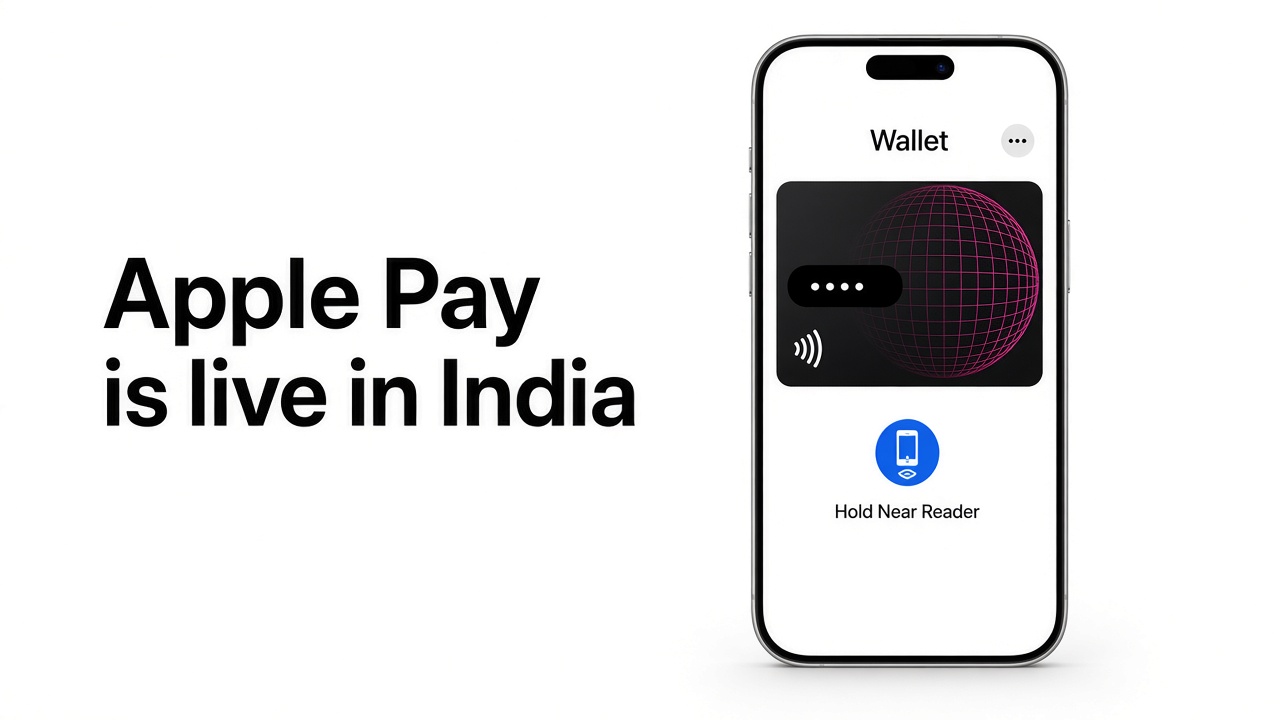

Twelve years after Apple Pay first showed up, it is actually here. 30 September 2026. I added an Axis credit card to Wallet this evening, held the phone near a reader, and the payment went through on Face ID. No card number typed. No OTP on the checkout screen.
That last bit is the one card people will care about. On your own iPhone, paying is a glance, not a six-digit SMS. The spend is still your card. Your usual rewards, lounge rules, and forex markup do not get replaced by a new Apple points programme.
Adding the card is the boring part, which is the point
Open Wallet, tap the plus, and pick a credit or debit card. On iPhone you can hold the physical card up to the camera, or type the details if you would rather not. Axis then checks it is yours. That first link can still involve a code from the bank. You do that once.
After the card sits in Wallet, the plastic number is not what merchants see. Apple uses a device number. The last digits on the card in Wallet are not the number printed on the plastic, and you do not hand either of them to a website.
Using it
In a shop that already takes contactless cards, double-click the side button, look at the phone, and hold it near the reader. Same gesture you have seen in every Apple Pay ad since 2014. It works on the Watch if the card is on there too: double-click the side button and tap.
Online and in apps, the Apple Pay button only appears when that checkout actually supports it. Then it is Face ID or Touch ID, and you are done. I watched a Razorpay checkout pick the card up from Wallet instead of asking me to punch in 16 digits and wait for an SMS.
A website does not get this automatically
Having the card in Wallet is not enough. The merchant’s payment gateway has to offer Apple Pay, and the merchant has to turn it on. Apple’s launch note lists the networks it worked with: Cashfree, Juspay, Mswipe, Paytm, PayU, Pine Labs, Razorpay, and Worldline, among others.
Razorpay says it is live for domestic India payments as well as international ones, and that a Standard Checkout business does not need a new integration once Apple Pay is enabled. Cashfree says its Indian merchants can take it too. If a site still shows only card, UPI, and netbanking, Apple Pay is simply not switched on there yet. There is nothing to do on your phone.
Apple also named stores and apps that are taking it at launch, including Apple’s own stores, Blinkit, Chaayos, Croma, Ixigo, Reliance brands, Tata 1mg, and Zomato. Treat that as a starting list. A missing logo does not mean your card failed.
What this is not
- It is not UPI. Scan-and-pay to a BHIM QR is a different rail. Apple has not launched UPI inside Apple Pay.
- It is not RuPay. Only Axis Visa and Mastercard credit cards are in at the start.
- It is not every bank. HDFC, ICICI, and SBI Card were not part of day one. Apple adds issuers one by one.
- It does not waive forex. A foreign-currency Axis charge still follows that card’s markup.
If you want to try it tonight
- Update iOS, then open Wallet and add an eligible Axis Visa or Mastercard credit card.
- Finish whatever one-time check Axis sends. After that, paying on this phone should not ask for an OTP.
- In a shop, use a contactless reader: double-click, Face ID, hold near the reader.
- Online, look for the Apple Pay button. If it is not there, the gateway has not turned it on. Card entry still works, and still earns the same rewards.